Text with personality
Use custom fonts, outlines, shadows, gradients and colored backgrounds. Place your words exactly where you want them.
Fonts · Styles · Patches novafxDESKTOP EDITOR
Make any GIF, video or image your own. Text, drawing and animation in one editor, right on your desktop.
One .exe file · No Python installation needed
MAKE ITFrom a fresh caption to a finished animation.
Pick a tool and work directly on your frame.
Use custom fonts, outlines, shadows, gradients and colored backgrounds. Place your words exactly where you want them.
Fonts · Styles · PatchesDraw with a brush, refine strokes with an eraser and apply your artwork across the animation. Move and duplicate elements as you go.
Brush · Eraser · ElementsSpeed up or slow down an animation, select a time range and export as GIF, MP4 or WebP.
Speed · Range · ExportKeep frames, elements and their properties in view. Open multiple files in tabs and return to saved projects whenever you like.
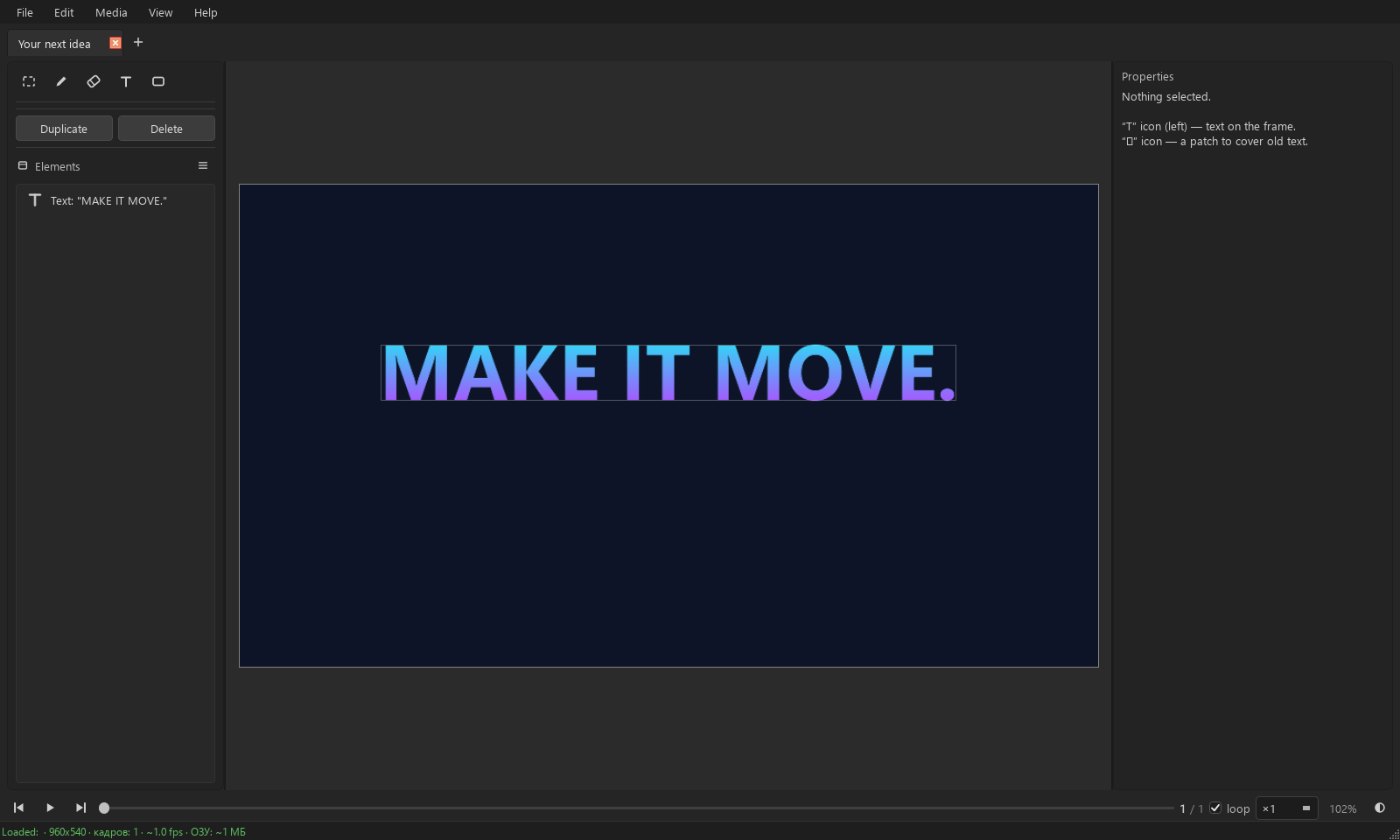
Drop a GIF, video or image into the window. Or start with a blank canvas.
Add text, cover an old caption with a patch, draw details and adjust playback speed.
Export your animation or a single frame. Save the project to pick up where you left off.
Download the file, run NovaFX.exe
and bring your first idea to life.
No. NovaFX.exe includes the components it needs. Just download the file and run it.
Yes. NovaFX supports .giforge and older .gifcr projects.
Export animations as GIF, MP4 or WebP, and individual frames as PNG, JPEG or WebP.
Yes. Place a .ttf or .otf file in the fonts folder beside NovaFX.exe. Windows system fonts are also available.